Can you set the default color for multiple choice polls?

I'd like to set the default color of multiple choice poll options within guides so that I don't have to remember our Hex every time I create a multiple choice poll.
Am I missing the location of these settings or do you have to manually set poll option colors every time you create one?
Thanks,
Will
0
コメント
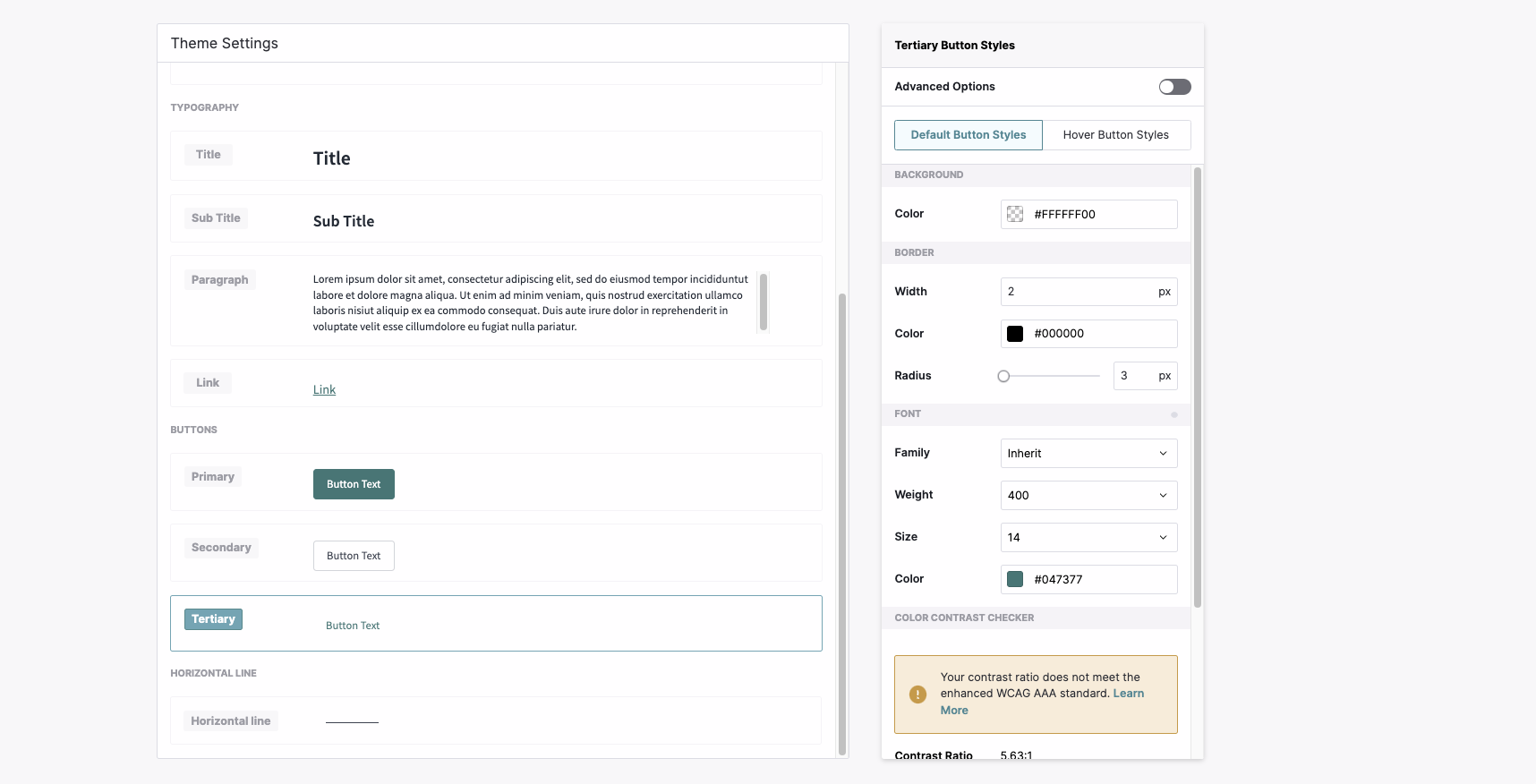
I've also looked into this and was not able to find a solution. Changing your themes only appears to affect the background coloring, text, and CTA buttons vs also applying into the polls themselves.
Will Stamatis Austin Rueda-Pippin you can just add a code block to your poll step and then add the below css code to change the button colors.
Here is an example for number polls.
CSS for 1st number in the number scale, you need to replicate the code below for each number in the scale and change the last number in the .pendo-radio._pendo-number-scale-poll- to corrosponding number.
.pendo-radio._pendo-number-scale-poll-1 {
/*button text color for normal state*/
color: #000000!important;
/*button background color for normal state*/
background-color:#ffffff !important;
}
.pendo-radio._pendo-number-scale-poll-1:hover {
/*button text color for hover state*/
color: #000000!important;
/*button background color for hover state*/
background-color:#00ff40 !important;
}
The other workaround I found is to just save the poll styling as a Guide Layout to avoid having to custom-style it every time. Order of operations:
1. Create a guide by selecting the poll layout.
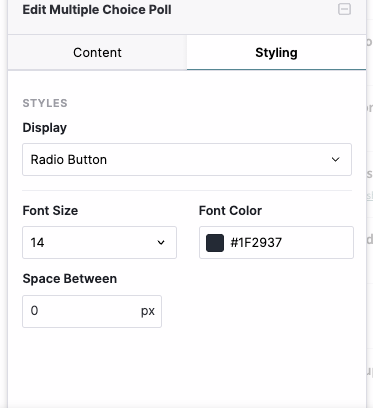
2. After launching to your designer window, while editing your multiple-choice poll add your preferred font color for the text in styling.
3. Click on the save layout option to save the layout by giving a name for the layout and click on create a layout. Save the guide (Please see the screenshot below).
サインインしてコメントを残してください。