Answered
Cannot rename page I want to tag

Hi everyone,
I want to tag a page, however, when I go to Tag Page -> Create new page, the Page Name is automatically filled in with a name that is already in use. When I click on the field to try to rename the page to something that isn't taken, the field is not clickable, so I can't rename it.
The description field is also unclickable.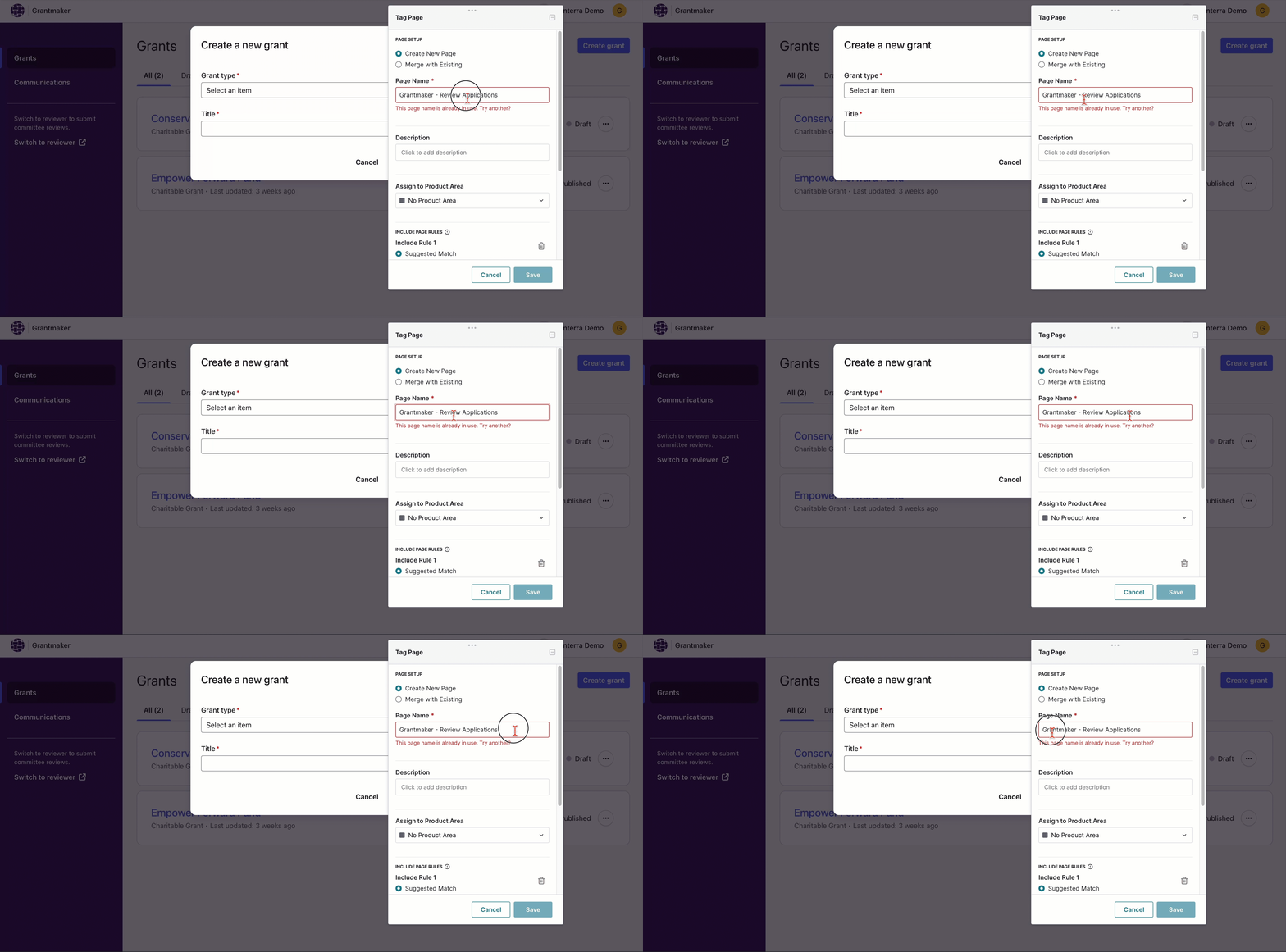
I was able to tag other pages today but this only happens when I try to tag this specific one. I attached a GIF. Any advice?
0
Comments
Hi Ariana! I would reach out to support. It seems like your app is stealing focus back from the designer which is why you can't delete that value. It is definitely possible to delete but your app is taking the cursor away from the input field. Wish I could be of more help!
Another option might be to duplicate a page within Pendo > Pages, then rename it there and update the rules there.
Please sign in to leave a comment.