Socializing Guide Visualizations

Does anyone have best practices around how to store, document, and share guide visualizations? We are looking for a way to efficiently socialize what's in-flight within our platform with the larger company without needing to grant Pendo access to hundreds of individuals. Thanks!
1
Comments
Hi Katie Jarrell - I know we discussed this outside of the Pendo Neighborhood community. But sharing in case others are interested. Our org uses a table available in our internal wiki platform. You could do this with Sharepoint, Google Workspace, Confluence, Dropbox Paper, etc.
Below is one row of many. The image is an animated GIF, if one were to click on it they could see what that guide looked like visually from the customer's perspective.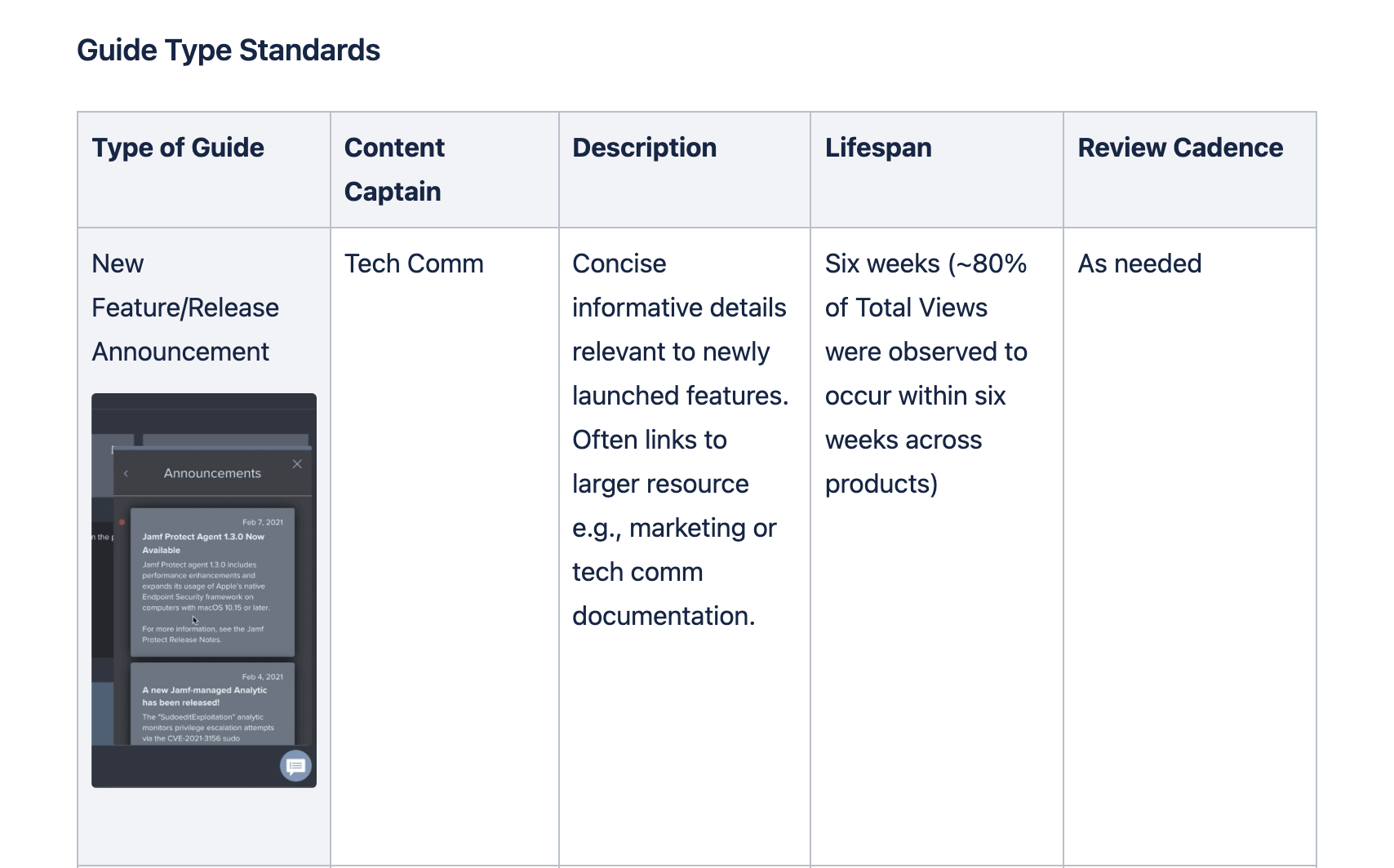
Below is a low resolution of a GIF. The best GIF capturing software I've found for free is GIPHY Capture, the best paid version I've found is Camtasia. There are many to choose from in both the free and paid realm.
If you're trying to export and store everything produced, as it's released, the above won't resolve that for you, instead, it sets an expectation of what customers will encounter. If all of your staff are part of a staging environment or have access to a production environment you could figure out a way to alert stakeholders via something like a Jira/ServiceNow automation triggering a Slack or Teams message. Which is a low-pressure invitation for them to log in and check it out. I hope that helps a little for others. Good luck :)
We're using a sharepoint list where if requested I can add an image in a column of the final guide styling etc.Usually as part of our review process I'm instead posting that image/video (if it's a walkthrough) in communication channels (Teams for us), which is searchable etc. as well. The sharepoint list is configured to send emails based on guide status changes from drafting > review > testing > complete/published, and also to create To-Do tasks once a guide is assigned out to be created. I have more to do to connect it to our guide testers as an additional automatic task.
Agree with Brandon on Camtasia, it's our go-to. And SnagIt is great for images even GIFs but they have limited editing for them (TechSmith owns both SnagIt and Camtasia so they work well together).
Please sign in to leave a comment.